
Swift Bits: Broken SPM Adding
Restore SPM adding feature

Last weekend, a QA session hit me hard. First of all, it was a weekend. Secondly, the TextField refused to behave the way I wanted with the keyboard — and more importantly, the way it was described in the specs.
The struggle between spending more time fixing it or rebuilding the whole view using plain UIKit kept growing. Before taking the final step into the controlled world of UITextField, there was one controversial option left: using introspection to access the underlying field from SwiftUI.
For that, I used one of my favorite libraries — Introspect. But that’s where the story behind this post begins. SPM decided to cause some trouble as well…
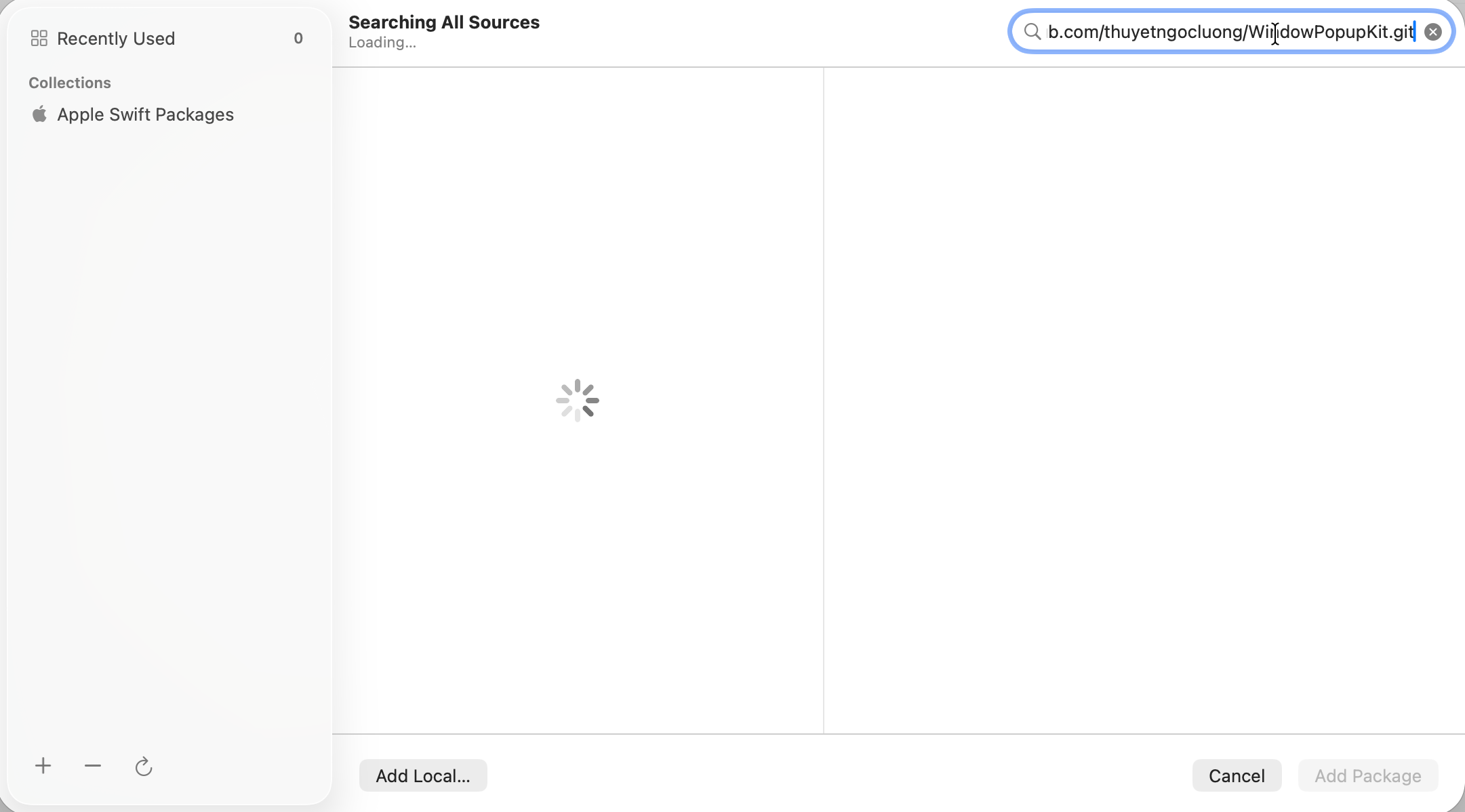
Swift Package Manager itself may be fine. Your package URL may be fine. Your repo may even clone normally in Terminal. And still, Xcode’s Add Package Dependency sheet can sit there forever, spinning without validating anything.
That is what makes this bug so annoying: it looks like a networking or SPM problem, but the workaround that helps most often points somewhere else entirely — Xcode’s own remembered package-entry state.
The Symptom
The original report is very specific: Xcode’s Swift Package sheet loads indefinitely whether a URL is entered or not, and clearing DerivedData plus SwiftPM caches does not help. The issue also affects multiple projects, not just one workspace.
That combination is a useful clue.
If the problem survives:
multiple projects
empty or filled package URLs
DerivedData cleanup
SwiftPM cache cleanup
then the bug is probably not inside your package manifest or repository alone. It starts looking more like Xcode UI state or package-assistant state.
The First Workaround: Clear Package History
Open the stuck Add Package screen
Right Click on Recently Used
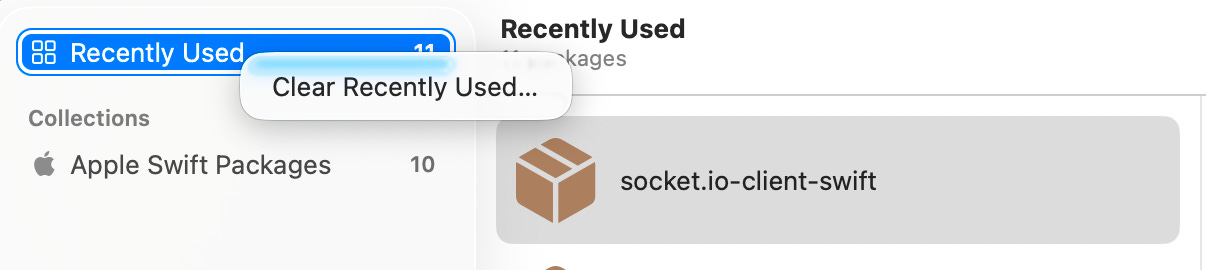
Clear Recently Used…
Try adding the package again
That is already pretty revealing. If clearing history fixes the infinite loader, the issue is not just “SPM cannot resolve packages.” It suggests the Add Package assistant may be choking on recently used package metadata or state associated with that UI.
This is also why the bug feels so strange: the visible failure is “loading forever,” but the successful fix is effectively “wipe the remembered package list.”
The 2nd Workaround: Delete the Preference Key Manually
Here is a more direct workaround:
plutil -remove IDESwiftPackageAdditionAssistantRecentlyUsedPackages ~/Library/Preferences/com.apple.dt.Xcode.plist
I recommend to fully quit the Xcode first, running the command in Terminal, then reopening Xcode and trying again.
The key name is fairly descriptive on its own. It strongly suggests that Xcode stores recently used package references for the package-addition assistant in its preferences plist. Since removing that key can restore the Add Package UI, a reasonable inference is that corrupted or problematic remembered package state can block the sheet before actual validation completes. That is an inference from the key name plus the observed workaround, not an official Apple explanation.
Why Deleting DerivedData Often Does Nothing
This is the important distinction.
DerivedData and SwiftPM caches are usually where developers look first, and for good reason. They help with build artifacts, resolved package state, and repository caches. But, removing both ~/Library/Developer/Xcode/DerivedData and ~/Library/Caches/org.swift.swiftpm/ did not fix the problem.
That lines up with the workaround above. If the issue is in the Add Package assistant’s preferences state, clearing build caches is simply attacking the wrong layer.
In other words:
DerivedData fixes build and indexing weirdness
SwiftPM caches fix package cache weirdness
this bug may live in Xcode’s package-addition UI memory instead
That separation is the whole story.